Monday, 23 November 2026
Writing a daily site report: what goes in – with a template for trade businesses
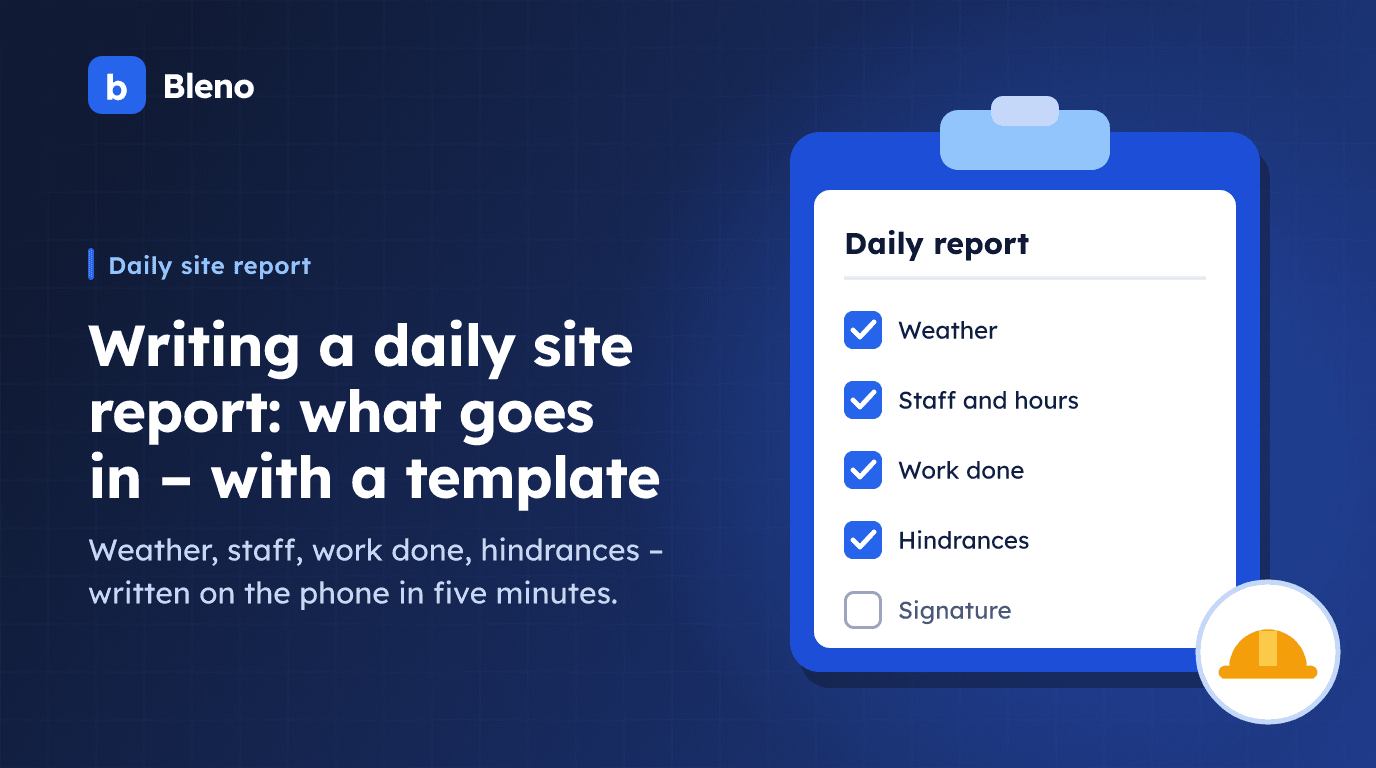
The daily site report is the least popular piece of paper on site. Nobody wants to write it after work, and hardly anyone in the office reads it – until there is a dispute. Then it suddenly becomes the most important document of the whole job: it proves who was there and when, why work came to a halt and which extra work the customer ordered.
This article shows what belongs in a daily site report, when it secures real money for you and how your team writes it in five minutes.
Daily site report or site diary – what is the difference?
The terms are often used interchangeably. Strictly speaking, the daily site report covers a single day, while the site diary is the collection of all daily reports for a project. If you write a report every day, you automatically keep a site diary.
Is a daily site report mandatory?
The following points describe the situation for businesses in Germany. There is no general legal obligation for trade businesses there. Even so, many jobs leave you no way around it:
- Contract: Larger clients, general contractors and public clients often require daily reports in the contract.
- Site management: For architects and site managers in Germany, documenting the construction process – for example in a site diary – is part of site supervision under the German fee scale for architects and engineers (HOAI). They then ask you for the details.
- Daywork: Under contracts based on the German VOB/B, daywork sheets must be submitted daily or weekly, depending on the agreement (Section 15(3) VOB/B). A daily report with hours and a signature takes care of this at the same time.
- Hindrances: If you cannot continue working because of missing preliminary work, design changes or the weather, you must notify the client (Section 6(1) of the German VOB/B). Without proof of when and why work stalled, you lose your claim to more time and money.
In short: even where it is not mandatory, the daily site report is your best insurance against contractual penalties, disputes over variations and defect claims. Why documentation protects you legally is explained in the article Digital site documentation.
What belongs in a daily site report?
A good daily site report answers seven questions. If one is missing, it is only worth half as much in a dispute.
- When and where? Date, project, construction section or room, start and end of work.
- What was the weather like? Temperature in the morning and at midday, precipitation, wind. Especially for screed, plaster, roofing and facades, the weather decides whether work was allowed at all.
- Who was there? Your own employees, temporary workers and subcontractors with their hours.
- What was done? Work carried out, as specific as possible – for example "tiled upstairs bathroom, 12 m²" instead of "tiling work".
- What arrived, what was installed? Material deliveries with delivery note, material used, equipment deployed.
- What did not go to plan? Hindrances, missing preliminary work by other trades, waiting times, defects in the existing structure.
- What did the customer order? Extra work, change requests, visits by the client or site management.
Add photos with date and time and, ideally, a signature from the client or site management.
Template: a daily site report to copy
This is what a complete entry can look like:
| Field | Example |
|---|---|
| Date, project | Tue, 17 Nov 2026 · Bathroom renovation for the Möller family, upper floor |
| Working hours | 7:00 – 16:30, 30 min break |
| Weather | 4 °C in the morning, 9 °C at midday, dry |
| Staff | T. Becker (8.5 h), L. Hahn (8.5 h), 1 temporary worker (6 h) |
| Work done | Wall tiles laid in upstairs bathroom (18 m²), shower tray fitted |
| Material | 6 bags of tile adhesive, 2 buckets of waterproofing slurry (delivery note 4711) |
| Hindrances | Electrician not finished, sockets for the washbasin missing – wall could not be tiled further from 11:00 |
| Instructions | Client also wants a niche in the shower (extra-work report created) |
| Photos | 9 photos, condition in the morning and evening |
| Signature | Site management, 16:40 |
The "Hindrances" line matters most: it is your proof if the completion date slips. And the best way to record extra requests is straight away as a separate extra-work report with a signature, so they can be invoiced.
Five tips so the report actually gets written
- Write it the same day. By the next morning, nobody remembers when the electrician left.
- Specific, not general. Quantities, rooms, times – "waiting time 9:00 to 11:30 because of a missing delivery" counts, "delay" does not.
- Photos instead of essays. One photo of the condition in the morning replaces three sentences.
- One template for everyone. If every fitter fills in the same fields, the reports are comparable and complete.
- Keep the office informed. A report nobody reads only helps in court – hindrances and extra requests should reach the office immediately.
Digital daily site reports with Bleno
With site documentation in Bleno, your team writes the daily site report directly in the employee app:
- Weather filled in automatically: Bleno enters the weather at the site itself.
- Attendance with hours: Employees and temporary workers appear in the report with their hours.
- Voice note instead of typing: Your fitter briefly says what happened – Bleno turns it into a draft for the daily report.
- Photos and signature: Photos straight from the app, signed on the phone or tablet.
- The office knows straight away: As soon as a daily report is submitted, the office gets a notification. Your customer sees approved reports in the construction progress view of the customer portal.
You can add your own fields with digital forms – for example for test values, drying times or residual moisture.
Try Bleno free for 14 days – with daily site reports, acceptance reports and extra-work reports. Get started.